-
Communications for Small Business Owners
$99.00If you are new to the communications highway, this course will provide the foundation for future development. If your company has some communications expertise, this course will help you strengthen and polish your essential components. -
English as a Second Language: A Workplace Communications Primer
$99.00This is an opportunity to review and enhance your proficiency in listening, speaking, reading and writing. You will find that being aware of cultural and workplace influences will help keep them from creating barriers to communication. Practical information on selecting the right words, and combining them effectively to get your message across, will improve your verbal and written communication. Specific advice on email, videoconferencing, proposals, and selling your ideas will further improve your communication skills. -
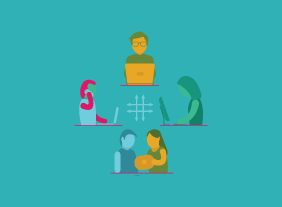
Transgender Employees: Creating an Inclusive Work Community
$99.00In this course, you are going to learn about the importance and elements of safe inclusive workspaces for transgendered persons those identifying as one gender but born into the body of the opposing gender. You will consider terminology, elements, policies, and resources to build and sustain a safe, inclusive environment for transgendered employees and increase the comfort level and productivity off all in your organization. -
Microsoft Teams: Customizing You Teams Experience
$99.00In this course you will learn how to manage your Teams profile, manage teams, and add bots and apps to Teams. -
Microsoft Sway: Getting Started with Sway
$99.00In this course, you will learn how to launch Sway, create a new Sway project, create and manage cards, and manage Sway projects.